# Maps & Sets
- not so important…
- you can allways convert to an array with
Array.from
| Arrays | Sets | Maps |
|---|---|---|
| Store (nested) data of any kind and length | Store (nested) data of any kind and length | Store key-value data of any kind and length. Any Key-values are allowed |
| Iterale, many special array-methods available | iterable, also some special set methods availabe | iterable, also some special map methods availabe |
| Order is guranteed. Duplicates are allowed. Zero-based index to access elements | Order is NOT guaranteed. Duplicates are NOT allowed. No index-based access | Order is guaranteed. Duplicates are NOT allowed. Key-based access |
# Sets
- no duplicates
- can be useful to manage unique data
# Create:
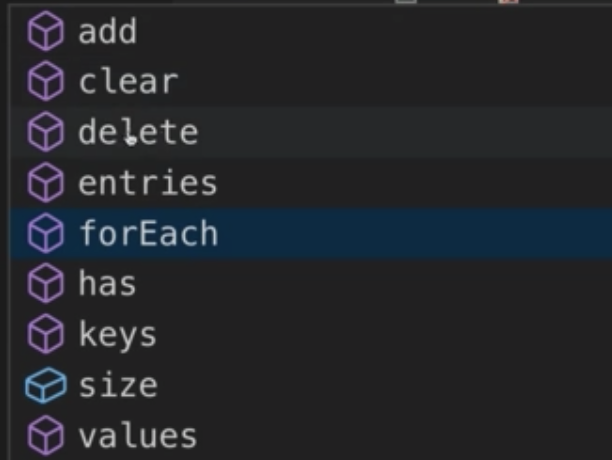
const mySet = new Set(['Hi', 'from', 'set!']);to get a value
mySet.has('Hi')
# .add
add a value
mySet.add("yeah")- if you add a value that alredy exist, it will not be added. Values are unique in sets
# .entries()
- returns an iterable of arrays with the value twice (to be the same as the -tentries-mehod of maps)
# .values()
- retuns the values (iteratable)
# .delete('Hi')
- delete a value
# Maps
- can have anything as a key (eg. an object)
- key-value-pairs
- can have anything as a key
- order is guarented (unlike in objects)
- for example to attach extra information to an object
const person1 = { name: 'Max' };
const person2 = { name: 'Manuel' };

const personData = new Map([[person1, [{ date: 'yesterday', price: 10 }]]]);
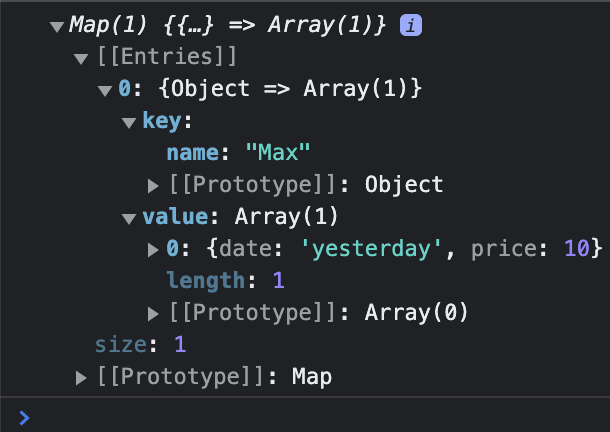
I.e. you don't have to do:
const person1 = {id: 'p1', ...};
const personData = { p1: [ ... ]};
console.log(personDate[person.id])
get data:
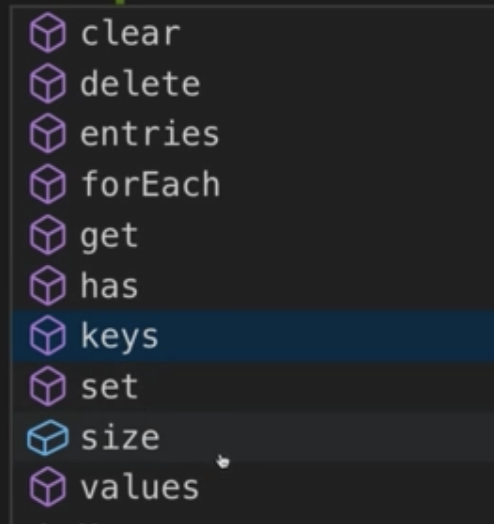
console.log(personData.get(person1));
set data
personData.set(person2, [{ date: 'two weeks ago', price: 100 }]);
output all information of the map - for...of
for (const [key, value] of personData.entries()) {
  console.log(key, value); // .entries() returns an array with key/value
}

for (const key of personData.keys()) {
  console.log(key);
}

for (const value of personData.values()) {
  console.log(value);
}
methods & properties:
# WeakSet
- data has to be an object
- only has
add,deleteandhas-methods
you can clear the weak-set and all the objects will be garbage-collected
// ... some operations
person = null;
# WeakMap
- also for garbage-collection
const personData = new WeakMap();
personData.set(person, 'Extra info!');

person = null;

console.log(personData);